
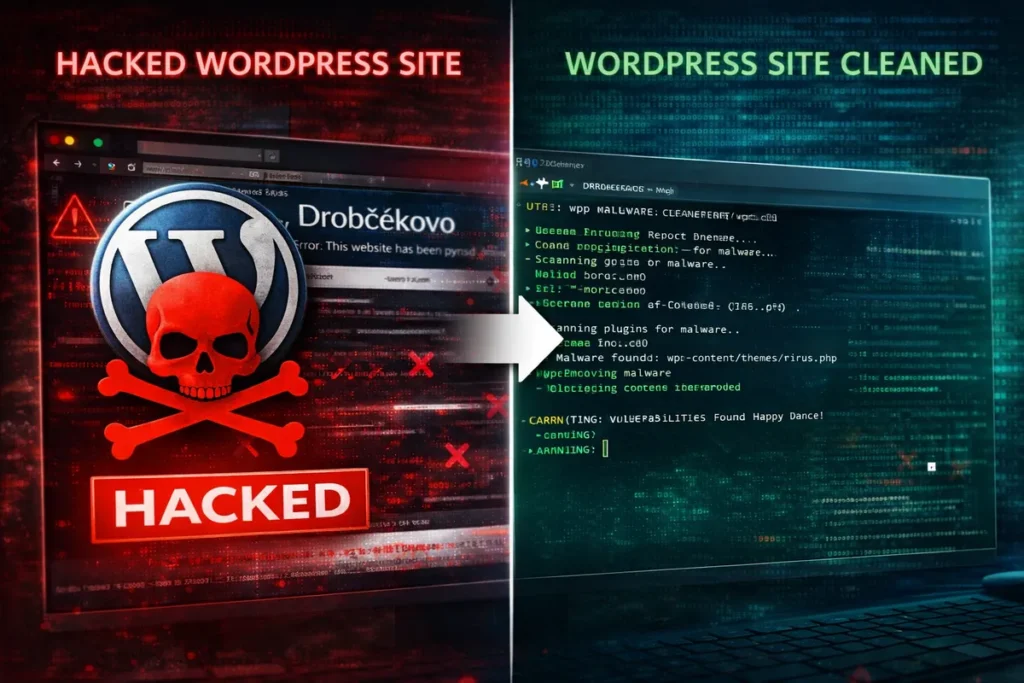
During a regular workday, a client reached out with an urgent issue. Their website had been hacked. Visitors were being redirected to spam pages, and the site was at risk of Google penalties. Immediate action was required.
👉 the website was redirecting visitors to suspicious pages
👉 Google started showing warnings
👉 the admin panel was slow and unstable
The website was clearly compromised.
This case was handled for a client in the services sector – Drobčekovo – childcare facility.
❌ Problem
After the initial inspection, it was clear:
👉 the website had been hacked
👉 malicious code was present in the files
👉 some core system files had been modified
Typical symptoms:
- redirects to spam / casino websites
- unknown content injected into the page header
- suspicious PHP files in
/wp-content/uploads/ - significant performance degradation
⚠️ Impact
- loss of visitor trust
- risk of being removed from Google search results
- potential Google blacklist
- possible data breaches
- SEO damage
👉 in this state, the website actively harms the business
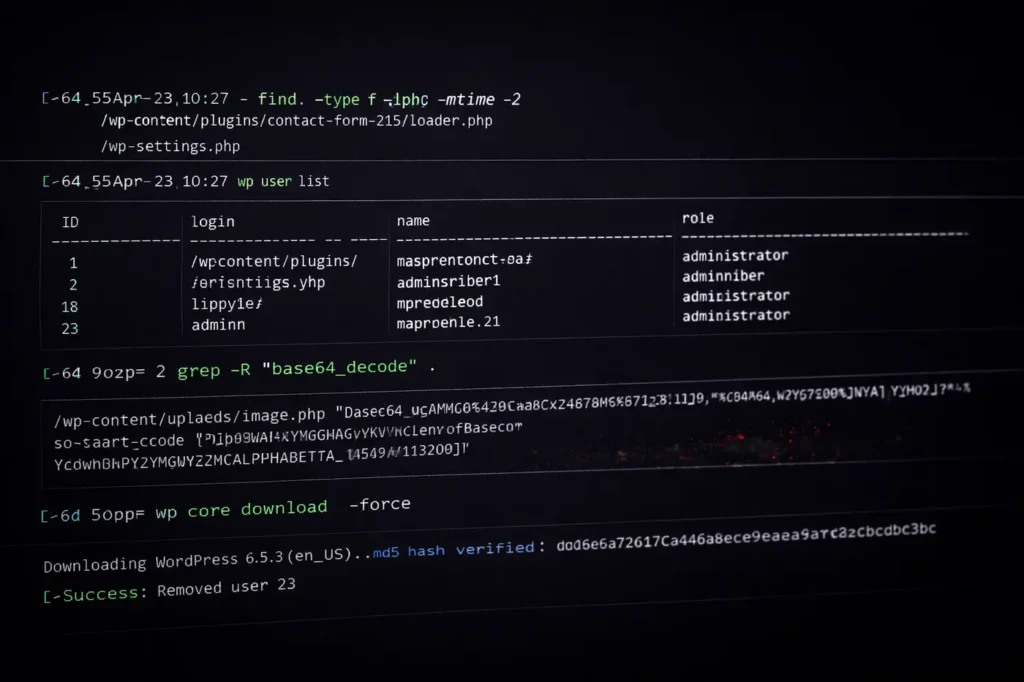
🔍 CLI Diagnostics
The diagnostics were performed directly on the server via SSH – faster and more precise than using the WordPress admin.
For example, I used:
find . -type f -name "*.php" -mtime -2👉 finding recently modified files
grep -R "base64_decode" .👉 detecting obfuscated (malicious) code
wp plugin list👉 plugin audit
wp user list👉 checking for suspicious users
💣 Root Cause
The issue was a combination of:
👉 outdated plugin
👉 weak security
👉 injected malicious code in files
Attackers had write access to the system.
🛠️ Solution
The process was systematic:
1. Backup verification
👉 verified available backups
2. Isolation
👉 identified infected files
👉 inspected functions.php, header.php, uploads
3. Cleanup
👉 removed malicious code
👉 compared against clean WordPress core
👉 reinstalled core:
wp core download --force4. Plugins & themes
👉 removed unused plugins
👉 updated everything
5. Users
👉 removed unknown admin accounts
wp user delete ID6. Hardening
👉 reset all passwords
👉 reviewed file permissions (chmod)
👉 applied basic security hardening

✅ Result
- website restored from offline → online in ~30 minutes
- no more malicious redirects
- malicious code removed
- significantly improved performance
- ready for Google reindexing
👉 no data loss
🧠 Takeaway
Hacks don’t happen randomly.
Most common causes:
- outdated plugins
- nulled themes
- weak passwords
- missing updates
👉 WordPress is not the problem.
👉 maintenance is.
🧩 Conclusion
A hacked website can be fixed.
👉 but you need to know where to look
👉 and act fast
Every extra hour = more damage.
👉 Need help?
If you suspect your website has been compromised:
- redirects
- suspicious content
- slow performance
👉 Contact me. I’ll check your site and tell you what’s going on.
I can:
- Clean it
- Secure it
- Stabilize it
🔒 Note
This case was published with the client’s consent. Sensitive technical details have been intentionally omitted.
Other case studies
- Google Analytics Showing 0 Visitors? We Fixed the Tracking and Recovered the Data
- WordPress White Screen After PHP Upgrade – How I Fixed a Broken Website
Read and get more know-how from my blog
- How to Secure WordPress Admin and Login on Shared Hosting (Practical Guide)
- How to Properly Secure WordPress on a VPS (Beyond Plugins)

About the Author
I’m Marián Kohn. I help businesses fix technical issues on WordPress and WooCommerce websites.
I specialize in fixing broken sites, improving performance, securing systems, and resolving issues that impact business.
When WordPress breaks, I help businesses fix it.