
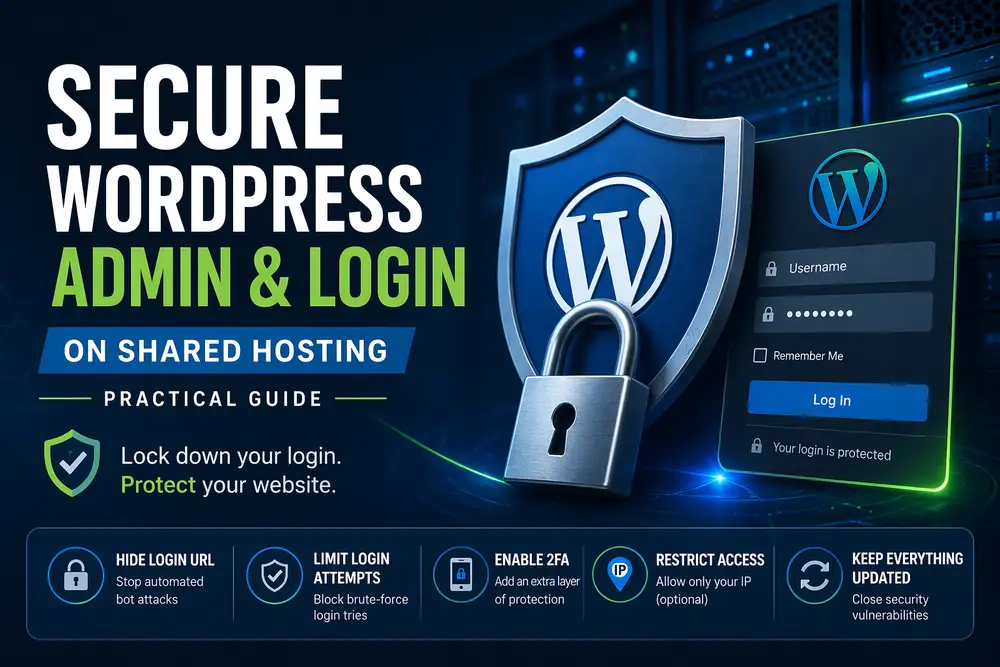
Introduction
Shared hosting is convenient—but you don’t control the server.
That means:
- no firewall tuning
- no custom Nginx rules
- limited access
Still, you can dramatically reduce attack surface with the right setup.
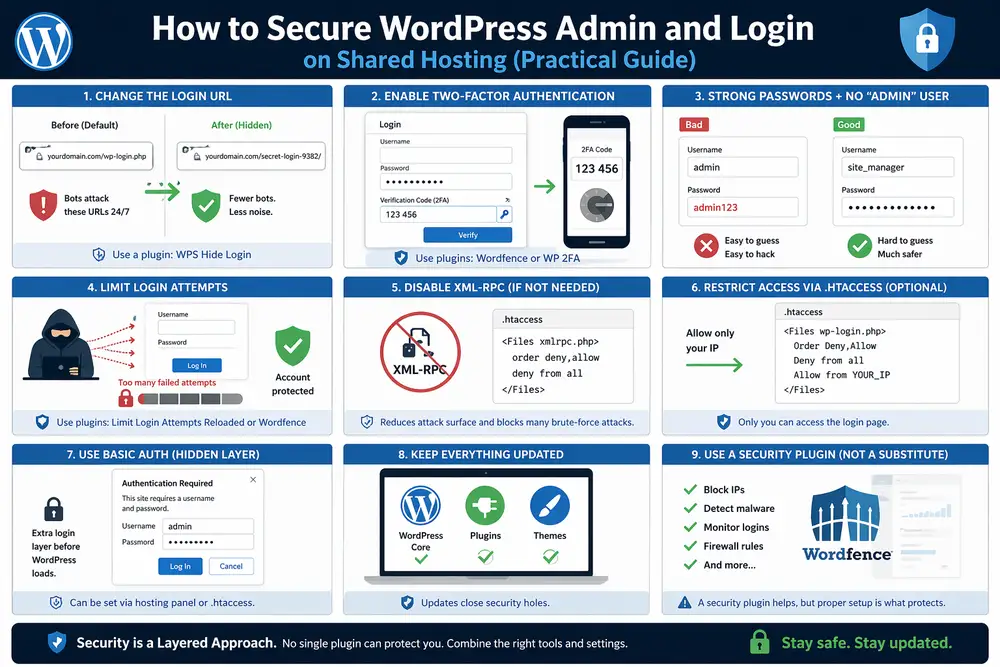
1. Change the Login URL (Security by Obscurity – but useful)
Default:
/wp-login.php
/wp-admin/
Bots hammer these 24/7.
Use a plugin like:
- WPS Hide Login
Result:
/secret-login-9382/👉 Not bulletproof, but removes 90% of noise.
2. Enable Two-Factor Authentication (2FA)
Mandatory.
Use:
- Wordfence
- WP 2FA
👉 Even if password leaks → attacker still blocked.
3. Strong Passwords + No “admin” User
Basic, but still ignored.
- username ≠ admin
- password = generated (not human)
4. Limit Login Attempts
Without this:
👉 brute-force = unlimited tries
Use:
- Limit Login Attempts Reloaded
or built-in in Wordfence
5. Disable XML-RPC (if not needed)
XML-RPC = common attack vector.
Disable via plugin or .htaccess:
<Files xmlrpc.php>
order deny,allow
deny from all
</Files>
6. Restrict Access via .htaccess (Optional but powerful)
If you have a static IP:
<Files wp-login.php>
Order Deny,Allow
Deny from all
Allow from YOUR_IP
</Files>
👉 Only your IP can access login.
7. Use Basic Auth (Hidden Layer)
Extra protection before WP loads.
Example:
username/password popup → THEN WP loginCan be set via hosting panel.
8. Keep Everything Updated
- WordPress core
- plugins
- themes
👉 outdated plugin = open door
9. Use a Security Plugin (but don’t rely blindly)
Wordfence / Sucuri can:
- block IPs
- detect malware
- monitor login attempts
But:
👉 they are not a substitute for proper setup
Conclusion
On shared hosting, you don’t control infrastructure.
So:
👉 you harden what you can:
- login access
- authentication
- attack surface
That alone stops most real-world attacks.
There are many more ways to secure your sites
Check out my case studies
- Hacked WordPress Website (Drobčekovo) – Malware Cleanup Without Data Loss
- Google Analytics Showing 0 Visitors? We Fixed the Tracking and Recovered the Data
- WordPress White Screen After PHP Upgrade – How I Fixed a Broken Website

About the Author
I’m Marián Kohn. I help businesses fix technical issues on WordPress and WooCommerce websites.
I specialize in fixing broken sites, improving performance, securing systems, and resolving issues that impact business.
When WordPress breaks, I help businesses fix it.