
Introduction
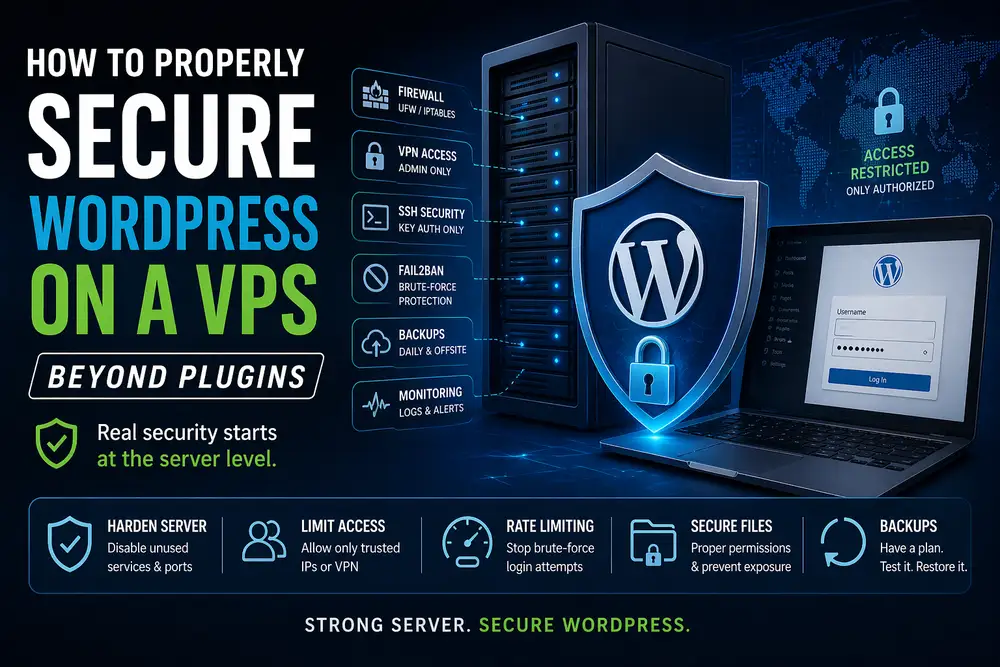
On a VPS, everything changes.
You’re no longer limited.
You control:
- firewall
- network
- web server
- access
👉 This is where real security begins.
1. Hide WP Admin Behind VPN
Best move you can make.
Example:
- WireGuard VPN
- admin accessible only via
10.10.10.0/24
Nginx:
location ~ ^/(wp-admin|wp-login.php) {
    allow 10.10.10.0/24;
    deny all;
}
👉 Public internet = no access at all
2. Rate Limiting (Brute-force killer)
Nginx example:
limit_req_zone $binary_remote_addr zone=wp_login:10m rate=10r/m;location = /wp-login.php {
    limit_req zone=wp_login burst=5 nodelay;
}
👉 slows bots to death
3. Fail2Ban (automatic banning)
Reads logs → bans attackers
Example:
- detect repeated login attempts
- block IP on firewall
4. Firewall (UFW or iptables)
Example:
ufw allow 80
ufw allow 443
ufw allow from 10.10.10.0/24 to any port 22
👉 SSH only via VPN
5. Disable Password Login (SSH keys only)
PasswordAuthentication no👉 eliminates brute-force on SSH
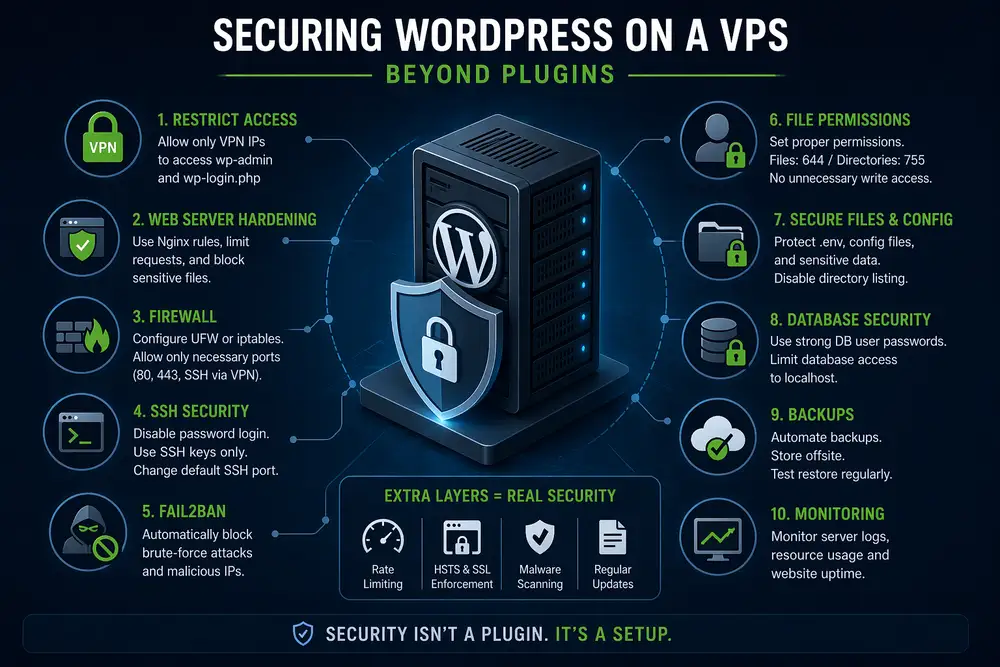
6. Proper File Permissions
find /var/www -type d -exec chmod 755 {} \;
find /var/www -type f -exec chmod 644 {} \;
👉 no writable chaos
7. Block Sensitive Files
Nginx:
location ~ /\.(env|git|htaccess) {
    deny all;
}
8. Separate Services (Docker / isolation)
Example:
- nginx
- php-fpm
- database
- redis
👉 compromise in one container ≠ full server takeover
9. Backups (real ones, not illusions)
- daily DB
- weekly full backup
- offsite (another server / storage)
👉 backup = last line of defense
10. Monitoring
Use:
- Uptime Kuma
- logs (nginx, auth.log)
👉 know what’s happening
Conclusion
Plugins are not security.
On VPS:
👉 security = infrastructure + access control + monitoring
Final Thought
Shared hosting:
👉 reduce attack surface
VPS:
👉 eliminate attack vectors entirely
More goodies on my blog
- How to Secure WordPress Admin and Login on Shared Hosting (Practical Guide)
- Hacked WordPress Website (Drobčekovo) – Malware Cleanup Without Data Loss
- WordPress White Screen After PHP Upgrade – How I Fixed a Broken Website
- Google Analytics Showing 0 Visitors? We Fixed the Tracking and Recovered the Data

About the Author
I’m Marián Kohn. I help businesses fix technical issues on WordPress and WooCommerce websites.
I specialize in fixing broken sites, improving performance, securing systems, and resolving issues that impact business.
When WordPress breaks, I help businesses fix it.