
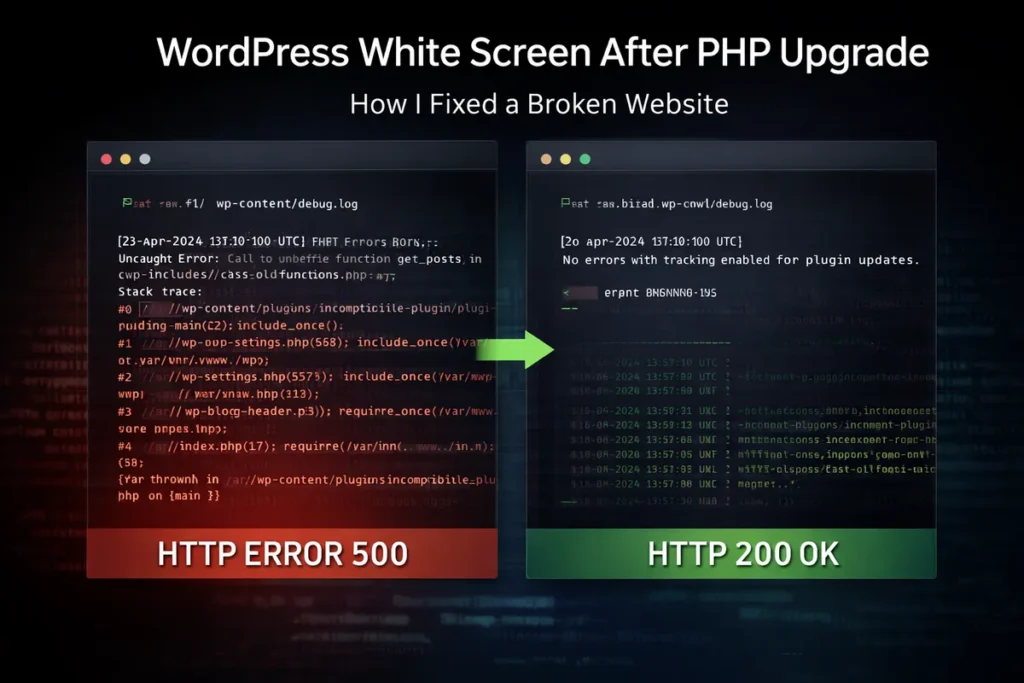
The site went completely down after a PHP upgrade (white screen). I diagnosed and fixed it directly via CLI within hours — no admin access required.
This is a common failure scenario on older WordPress sites after PHP upgrades — and something I handle regularly.
Upgrading PHP is the right move — better performance, stronger security.
But if the stack isn’t ready, it can take the entire site down.
That’s exactly what happened here.
❌ The Problem
After switching to a newer PHP version, the site stopped rendering.
Only a White Screen of Death.
The site was running on an outdated ThemeForest real estate theme, no longer maintained and not compatible with modern PHP.
⚠️ Impact
- site completely offline
- lost orders and leads
- instant loss of trust
🔍 Diagnosis
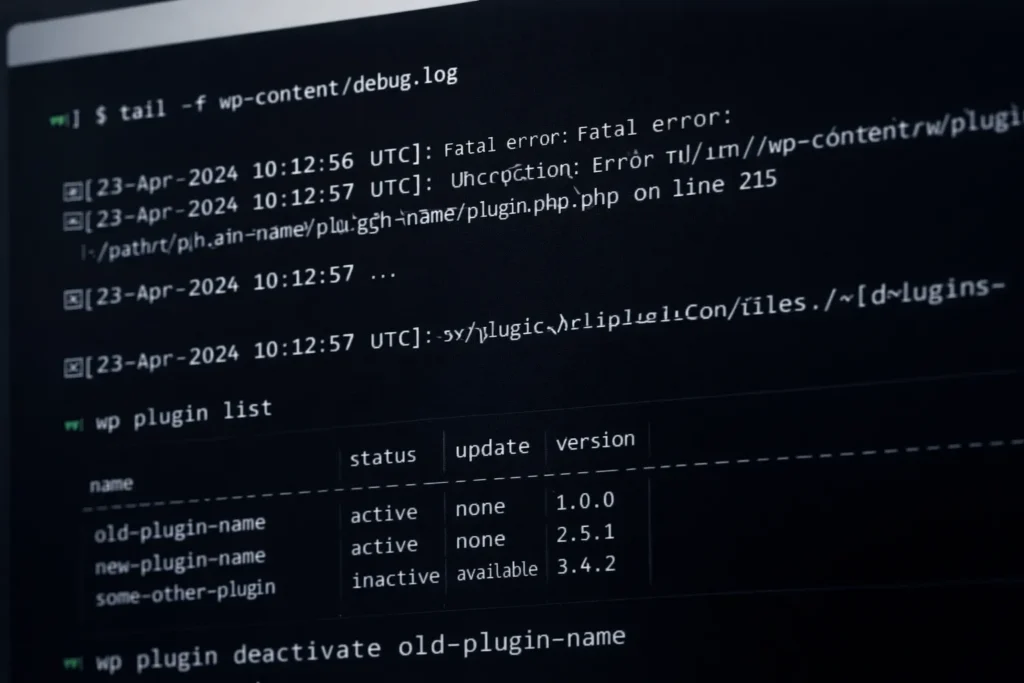
I skipped the UI and went straight to the server.
CLI access made it possible to debug the issue even with a completely broken frontend and no wp-admin access.
Key steps:
tail -f wp-content/debug.log→ real-time error tracking
wp plugin list→ quick plugin overview
wp plugin deactivate plugin-name→ isolating the failure
Root cause:
an incompatible plugin + outdated theme + newer PHP version
🛠️ Solution
Disabling the plugin would only be a temporary fix.
I implemented a permanent solution:
- patched the plugin code
- removed incompatible logic
- validated full functionality
✅ Result
- ✔ site fully restored (HTTP 200)
- ✔ PHP 8.x compatibility fixed
- ✔ stabilized within hours
🧠 Takeaway
PHP upgrades are not “one-click safe”.
If your site runs on:
- unmaintained themes
- outdated plugins
- legacy code
→ failure is not a risk — it’s expected
⚔️ Conclusion
This is standard in older WordPress stacks.
The difference is simple:
→ how fast it gets fixed
👉 Need help?
If after an update:
- your site is down
- WooCommerce is broken
- you’re seeing errors
👉 Site down after a PHP update? Send me access — I’ll tell you exactly what’s broken within hours.
More case studies
- Hacked WordPress Website (Drobčekovo) – Malware Cleanup Without Data Loss
- Google Analytics Showing 0 Visitors? We Fixed the Tracking and Recovered the Data
Read and get more know-how from my blog
- How to Secure WordPress Admin and Login on Shared Hosting (Practical Guide)
- How to Properly Secure WordPress on a VPS (Beyond Plugins)

About the Author
I’m Marián Kohn. I help businesses fix technical issues on WordPress and WooCommerce websites.
I specialize in fixing broken sites, improving performance, securing systems, and resolving issues that impact business.
When WordPress breaks, I help businesses fix it.